Warning Sorry, you're using a web browser that is no longer supported. For the best experience please upgrade or visit the site on another browser.
Skip to content

How to Change the Oil & Filter in a 2006-2011 Toyota Camry

This video and the step-by-step instructions below detail how to change the engine oil and oil filter in a 2006 Toyota Camry, and the procedure will be similar for most 2006, 2007, 2008, 2009, 2010, and 2011 Toyota Camry models. Changing the oil and filter regularly helps remove contaminants and ensures you have fresh, filtered oil to cool and lubricate your Camry’s crucial engine parts. A clogged oil filter, contaminated oil, or low oil levels can all contribute to engine damage and accelerated engine wear, and you may notice low oil pressure, an illuminated oil pressure warning light, or you could hear ticking or other metallic noises while the engine is running. Your 2006-2011 Toyota Camry’s owners manual will include service interval recommendations, but if you notice a decrease in engine performance, clicking or metallic ticking, discolored or degraded oil, an oil change may be needed right away to prevent any further engine damage. Regular oil changes will help maintain engine health, and the following step-by-step instructions are tailored specifically for your 2006 to 2011 Toyota Camry.

Tools & Materials

Step-by-Step Oil Change for a 2006-2011 Toyota Camry

We will be changing the oil in a 2006 Toyota Camry, and procedures will be similar for most 2006-2011 Toyota Camry models, but be sure to know the specifics for your vehicle before getting started. If you’re not completely comfortable doing this job yourself, we’d be happy to recommend a professional technician in your area.

Step 1: Prepare Your Car

Step 1: Prepare Your Car

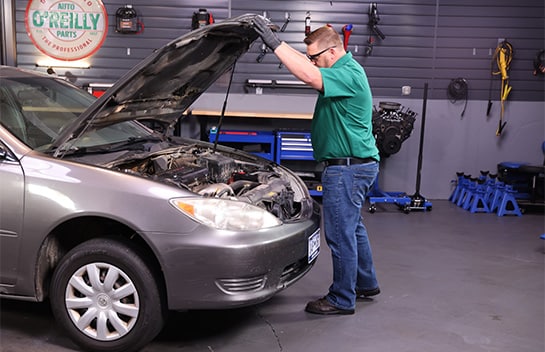
Park on a level surface, and open the hood.
Step 2: Lift and Support the Front End
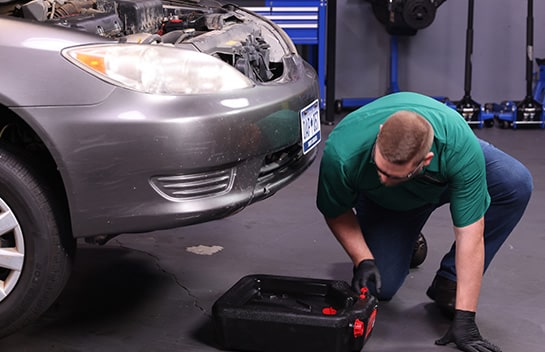
Step 2: Lift and Support the Front End

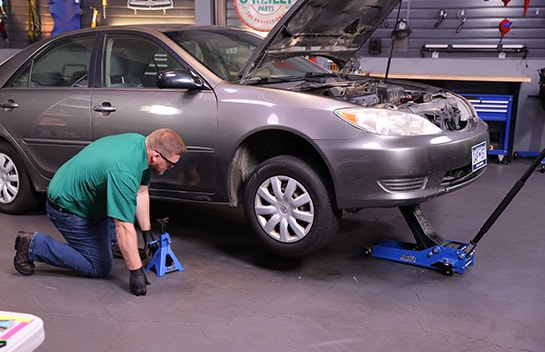
Chock your rear wheels, then lift and support the front end of the car using a jack and jack stands.
Step 3: Put a Drain Pan in Place

Step 3: Put a Drain Pan in Place

Locate the oil drain plug, and put a catch basin under it.
Step 4: Remove the Drain Plug

Step 4: Remove the Drain Plug

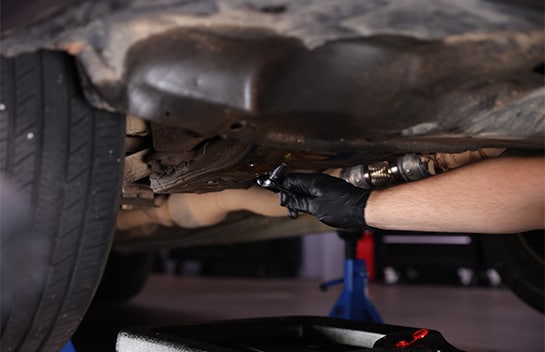
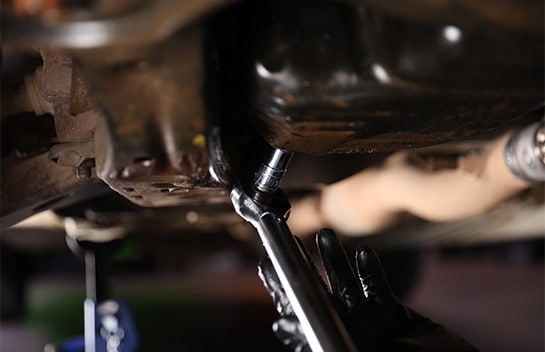
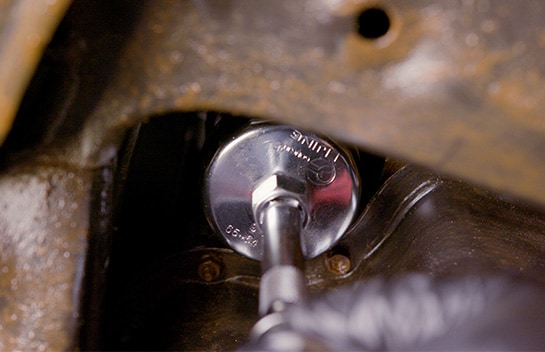
Use a 14mm socket and ratchet to loosen the plug, then remove it by hand.
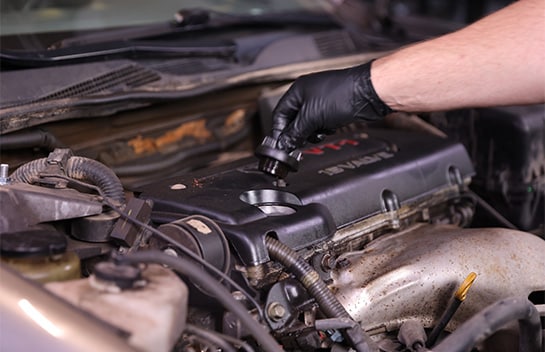
Step 5: Remove the Oil Fill Cap

Step 5: Remove the Oil Fill Cap

Removing the oil fill cap in the engine bay may help the oil drain more quickly.
Step 6: Replace the Crush Washer

Step 6: Replace the Crush Washer

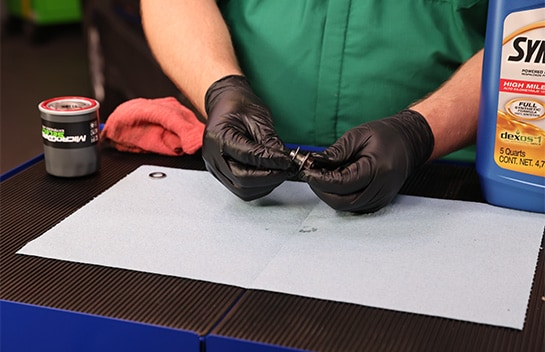
Remove the old crush washer from the drain plug and discard it. Use a shop towel or rag to wipe off the drain plug, and install a new crush washer.
Step 7: Reinstall the Drain Plug

Step 7: Reinstall the Drain Plug

Once the oil has drained completely, use a shop towel or rag to wipe down the area around the drain port. Thread the drain plug back into the port, and use your torque wrench to tighten it to 18 foot-pounds.
Step 8: Remove the Old Oil Filter

Step 8: Remove the Old Oil Filter

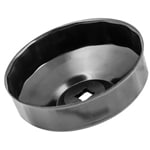
Use an oil filter wrench to loosen the filter, and allow the excess oil to drain into your catch basin. Once the excess oil has stopped draining, remove the filter the rest of the way by hand.
Step 9: Install the New Filter

Step 9: Install the New Filter
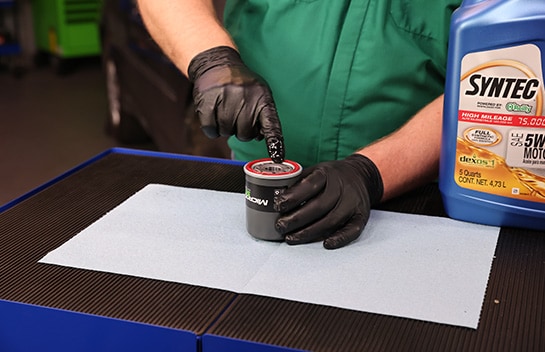
Before installing your new filter, lubricate its O-ring with a little fresh oil. Thread your new filter into place by hand, then use your torque wrench and filter attachment to tighten the filter to 10 foot-pounds.
Step 10: Pour In Fresh Oil

Step 10: Pour In Fresh Oil

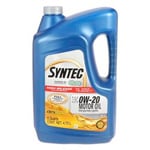
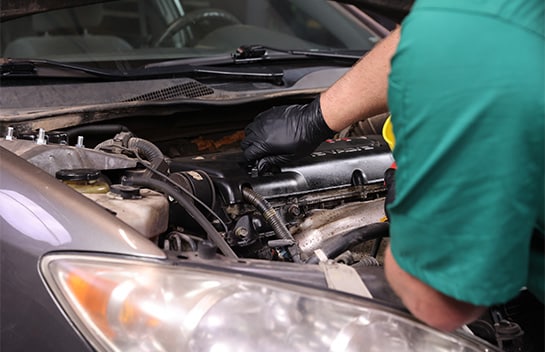
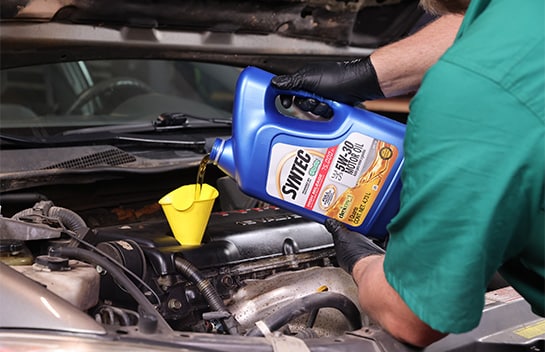
Back in the engine bay, if you haven’t already, remove the oil fill cap. Add four and a half quarts of 0W-20. Since our Camry has over 75,000 miles, we’re adding Syntec Full Synthetic High Mileage.
Step 11: Replace the Fill Cap & Start the Engine
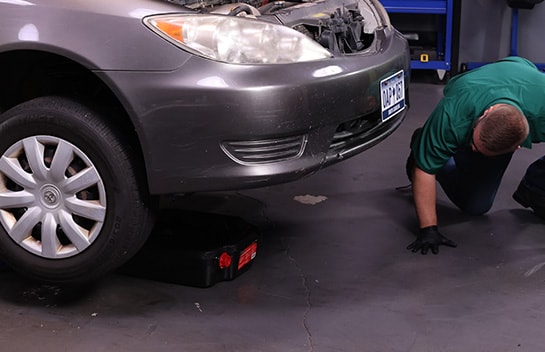
Step 11: Replace the Fill Cap & Start the Engine

Put the fill cap back in place, and run the engine till it’s warm.
Step 12: Check for Leaks

Step 12: Check for Leaks

Check under the car for any leaks.
Step 13: Shut Off the Engine & Lower the Front End
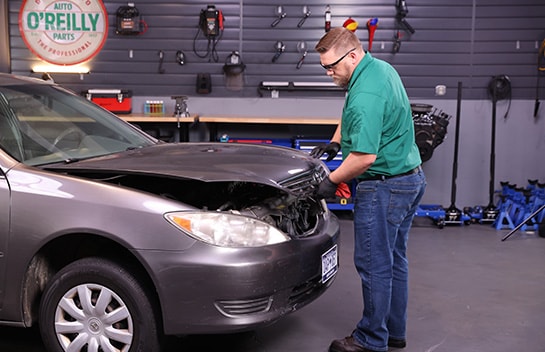
Step 13: Shut Off the Engine & Lower the Front End

If everything looks good, it’s safe to shut off the engine and slide out the catch basin. Lower the front end… and remove the wheel chocks. Double-check using the dipstick to make sure the oil level is within the appropriate range.
Step 14: Close the Hood & Reset Your Oil Light

Step 14: Close the Hood & Reset Your Oil Light

Once you’ve checked the oil level, shut the hood and move to the cabin to reset your oil maintenance light.
Step 15: Oil Reset for Non-Hybrids

Step 15: Oil Light Reset Procedures

Oil Reset for Non-Hybrids:

With your ignition turned to ON, switch the display to Trip Meter A. Then set the engine start/stop switch or ignition switch to OFF while the odometer is showing Trip A. While pressing the trip meter reset button on the stem, set the engine start/stop switch or ignition switch to ON.

If you do not have a Multi-Information Display, continue to press and hold the button until the trip meter displays all zeroes. If you do have a Multi-Information Display, continue to press and hold the button until you see a confirmation message on the display.

Step 15: Oil Reset for Hybrids

Oil Reset for Hybrids:

With your ignition turned to ON, switch the display to Trip Meter A. Turn off the hybrid system with the odometer showing Trip A. While holding down the trip meter reset knob, turn the Power switch to ON mode. You should see this message: MAINT REQD RESET MODE.

Hold down the knob for at least five seconds. When this message disappears and the master caution indicator light turns off, the reset is complete. You should see this message: MAINT REQD RESET MODE COMPLETE.

Additional Resources

The automotive repair work depicted in this series is performed under the direction of the manufacturer of the product featured. Prior to undertaking any of the demonstrated repairs on your vehicle, we suggest you consult with a certified mechanic or another professional who can adequately advise you of the proper repair or remedy required. O’Reilly Automotive Stores, Inc. and its affiliates (“O’Reilly”) disclaims any responsibility for injury or damage resulting from a viewer’s attempt to recreate the repairs shown in this series.