Once you’ve changed your oil or had your oil changed, you’ll want to reset the oil maintenance light on your Cruze so you’ll know when it’s time for another oil change. The following procedures will cover 2011, 2012, 2013, 2014 and 2015 Chevy Cruze models, depending on your model’s setup, so be sure to know the specifics for your Cruze before getting started.
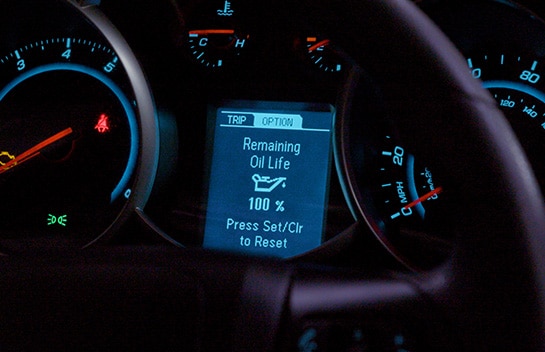
Oil Reset for Infotainment Screens
If your model has an infotainment screen, select Vehicle Status, then Maintenance, then Oil Life, then Reset. Select Reset again to confirm, and the percentage will change to 100%.
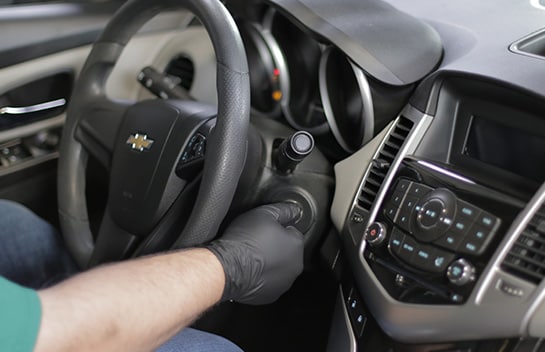
Oil Reset for Steering Wheel Controls
If your model has steering wheel controls on the right-hand side, display REMAINING OIL LIFE on the driver information center. Press and hold the SET/CLR button, or SEL button, which could also be a checkmark icon. Holding that button down for a few seconds will clear the CHANGE ENGINE OIL SOON message and reset the oil life to 100%.

Oil Reset for Turn Signal Lever Controls
If your model has turn signal lever controls, turn the ignition to RUN/ON, but leave the engine off. Press the Driver Information Center MENU button on the turn signal lever to enter the Vehicle Information Menu. Use the thumbwheel to scroll through the menu items until you reach REMAINING OIL LIFE. Press and hold the SET/CLR or checkmark button while the oil life display is active. After a few seconds, the oil life will be reset to 100%. Turn the ignition back to LOCK/OFF.
Oil Reset for All Other Models
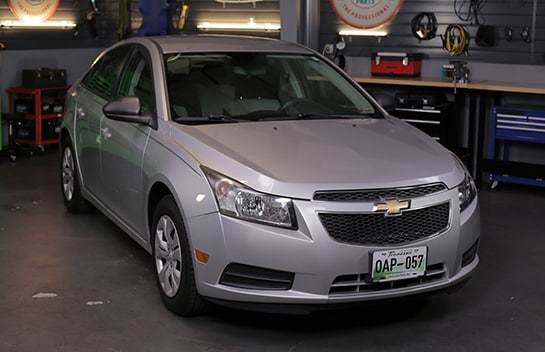
If your model has none of these features, turn the ignition to RUN with the engine off. Fully depress and release the gas pedal three times in about five seconds. Turn the key to OFF, then start the vehicle.
|
Do It Right: If in any case you start your engine after completing the reset procedure and your oil change indicator has NOT reset, turn your engine off and repeat the procedure. |