Warning Sorry, you're using a web browser that is no longer supported. For the best experience please upgrade or visit the site on another browser.
Skip to content

How to Change Front Brakes on a 2006-2011 Toyota Camry

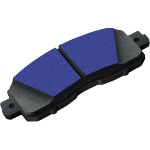
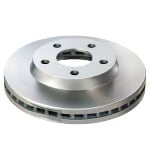
Your Toyota Camry’s brake pads and rotors are an essential part of your vehicle’s braking system. The friction between your pads and rotors slow the wheels of your car for a smooth stop. If replacements are needed, it’s possible that you may notice vibration in your brake pedal or squealing when you brake. In extreme cases, you may even hear grinding when braking. Worn or failing brake pads or brake rotors can also affect braking distance and handling, putting you and other drivers at risk.

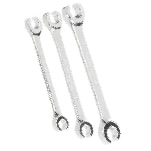
Tools & Materials

Step-By-Step Instructions to Change Front Brake Pads & Rotors on a 2006-2011 Toyota Camry

Removing and replacing automotive brake pads and rotors is a routine maintenance task that you can do yourself with the right supplies and instructions. It’s always a good idea to replace pads and rotors on both sides of your vehicle, since they wear at the same rate. These detailed steps will show you how to change the front brake pads and brake rotors on 2006, 2007, 2008, 2009, 2010 and 2011 Toyota Camry models, but be sure to know the specifics for your Camry before getting started.

Step 1: Loosen the Front Lug Nuts
Step 1: Loosen the Front Lug Nuts

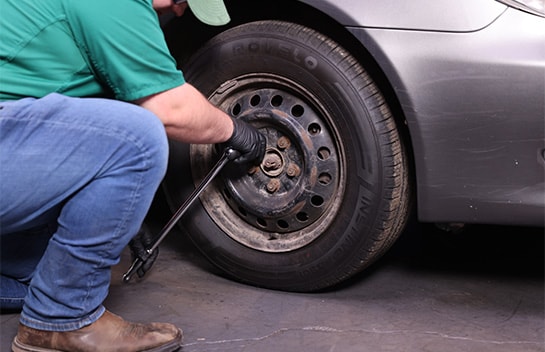
Park on a level surface. If your Camry has wheel covers, remove the covers on the front wheels. Use a lug wrench or breaker bar and 21mm socket to loosen the lug nuts on the front wheels.
Step 2: Lift & Support the Front End

Step 2: Lift & Support the Front End

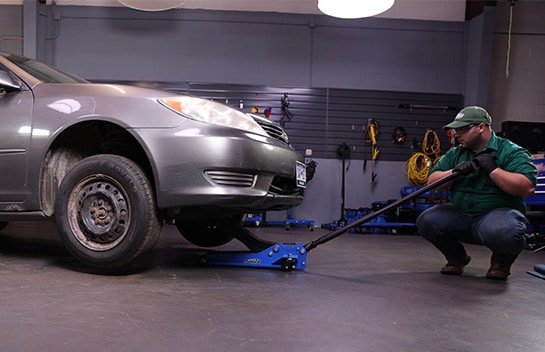
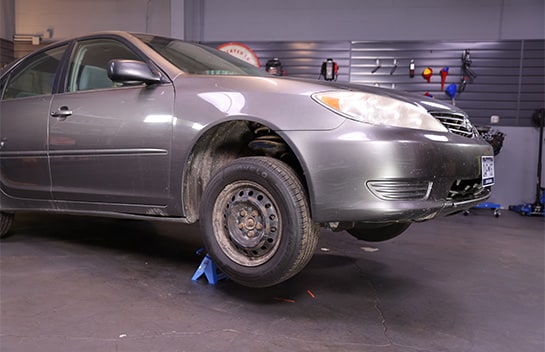
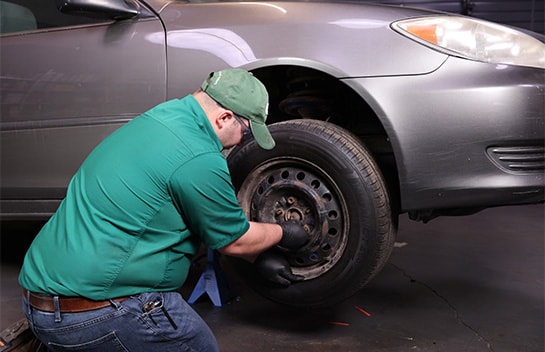
Chock the rear wheels, then use a jack and jack stands to lift and support the front end. With the front end lifted, remove the front wheels.
Step 3: Remove the Caliper

Step 3: Remove the Caliper

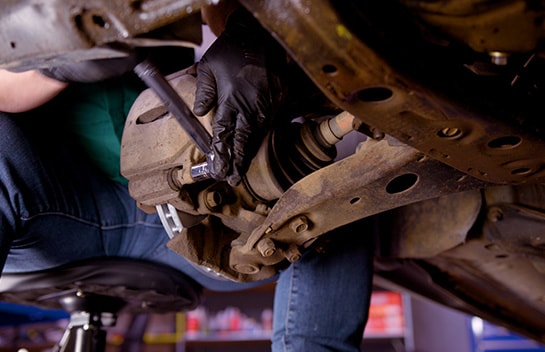
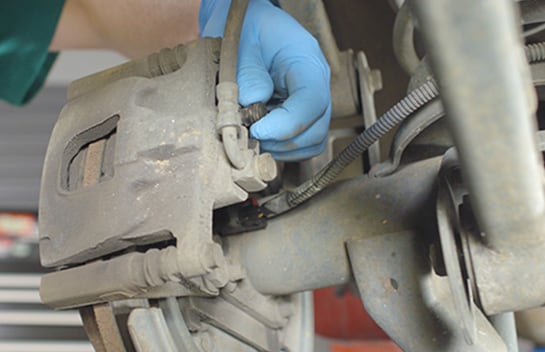
Use a 14mm socket and ratchet to loosen and remove the two caliper bolts. Work the caliper off the rotor and hang it somewhere out of the way, making sure there’s no pressure on the brake hose.
Step 4: Remove the Old Brake Pads from the Caliper Bracket
Step 4: Remove the Old Brake Pads from the Caliper Bracket

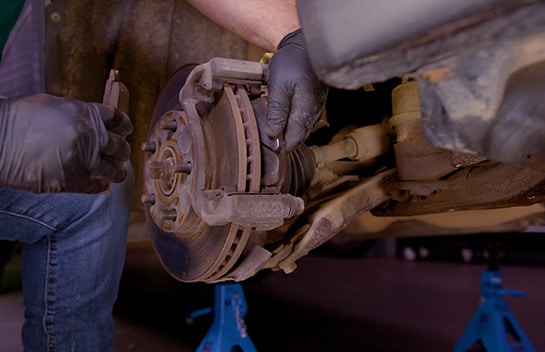
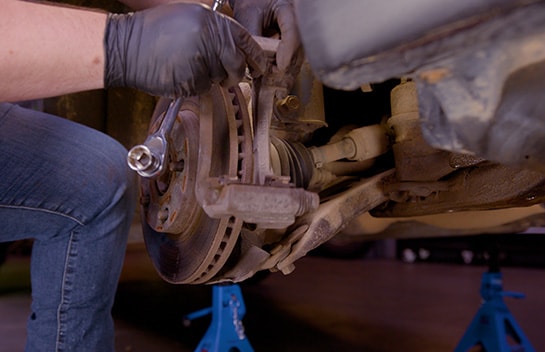
Take note of the orientation of the brake pads so that you can install your new pads properly, then remove the old brake pads from the caliper bracket.
Step 5: Remove the Caliper Bracket

Step 5: Remove the Caliper Bracket
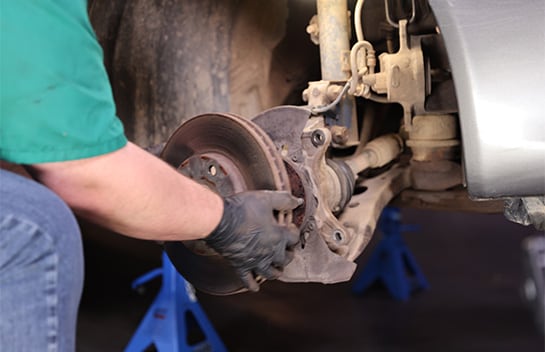
Use your ratchet and 17mm socket to loosen and remove the caliper bracket bolts. Remove the bracket and set it aside.
Step 6: Remove the Old Rotor

Step 6: Remove the Old Rotor

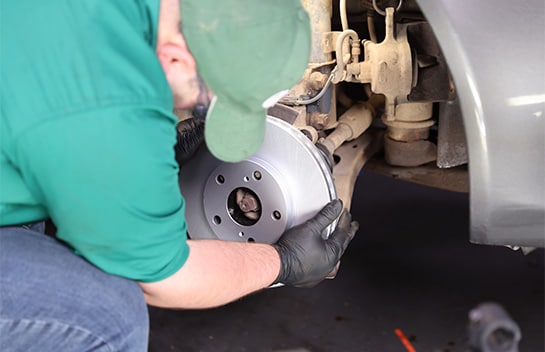
Remove the old rotor from the hub, using a hammer if necessary to tap it loose. Only use a hammer if you’ll be replacing the rotor. Tapping it loose can cause damage to the rotor.

Do It Right: If you're reusing your old brake rotors, resurfacing is necessary to ensure a smooth contact surface. Learn more about brake rotor resurfacing services at O'Reilly Auto Parts.

Step 7: Clean & Grease the Hub

Step 7: Clean & Grease the Hub

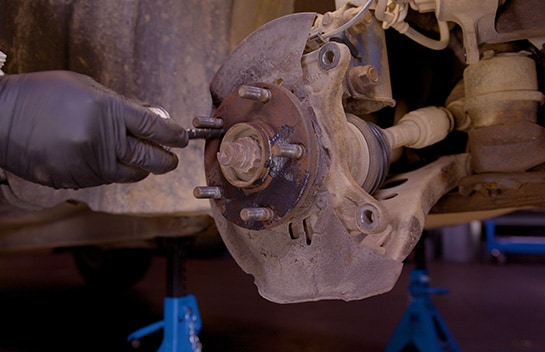
Clean any rust off the hub with a wire brush. Add some silicone brake grease to the hub before installing the new rotor to make it easier to remove next time you service your brakes.
Step 8: Clean the New Rotor

Step 8: Clean the New Rotor

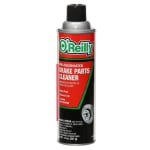
We’ll be installing Import Direct rotors, which don’t require cleaning, but for most other rotors, you’ll need to use brake cleaner and a shop towel or rag to remove oil from the friction surfaces of your new rotor. Any time you use brake cleaner, remember that it will strip paint, so be very careful where you spray it.
Step 9: Install the New Rotor

Step 9: Install the New Rotor
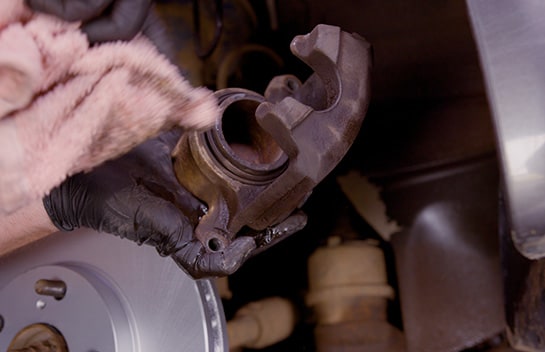
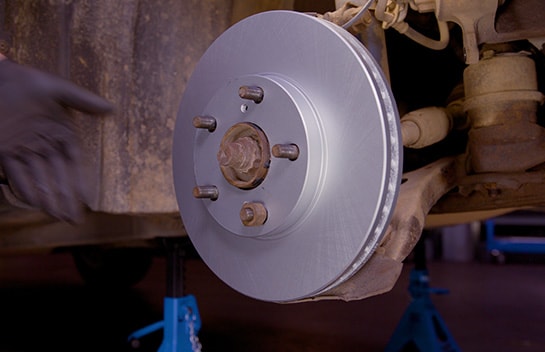
Install the new rotor, and use one of your wheel lug nuts to hold it in place as you continue to work.
Step 10: Clean & Inspect the Caliper Piston
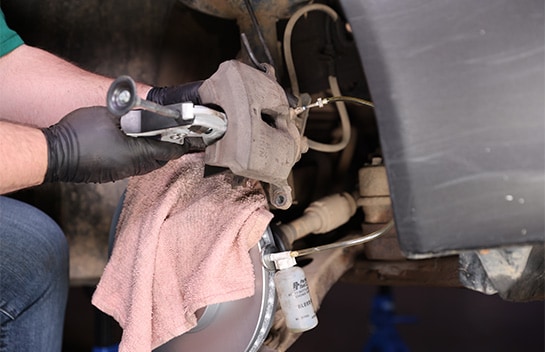
Step 10: Clean & Inspect the Caliper Piston

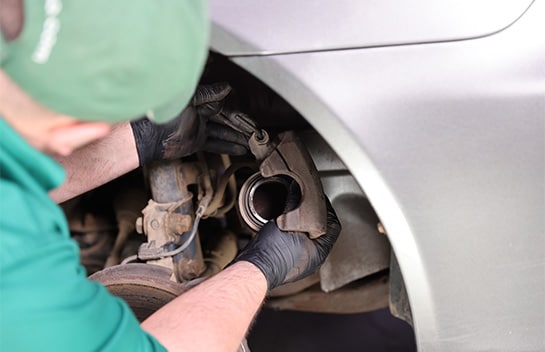
Clean the exposed portion of your caliper piston with brake cleaner on a towel or rag. If the rubber boot is cracked or if there’s brake fluid leaking, the caliper needs to be replaced.
Step 11: Compress the Piston

Step 11: Compress the Piston

Attach your bleeder tool to the bleeder valve and open the valve with a wrench by turning it counter-clockwise. Using an old brake pad to protect the piston, compress the brake caliper with a caliper compressor tool. When you’re done, the piston should be flush with the housing. Tighten the bleeder valve, then detach the bleeder tool.
Step 12: Inspect the Caliper Bracket & Slide Pins
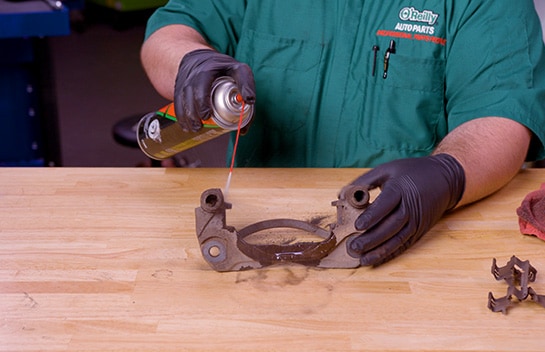
Step 12: Inspect the Caliper Bracket & Slide Pins

Now, remove the old hardware from your caliper bracket and give the bracket a visual inspection. If the bracket is extremely rusty where the pads or hardware will sit, it needs to be replaced. Remove the slide pins and visually inspect them. If they’re corroded or pitted, they also need to be replaced.
Step 13: Clean the Bracket & Slide Pins
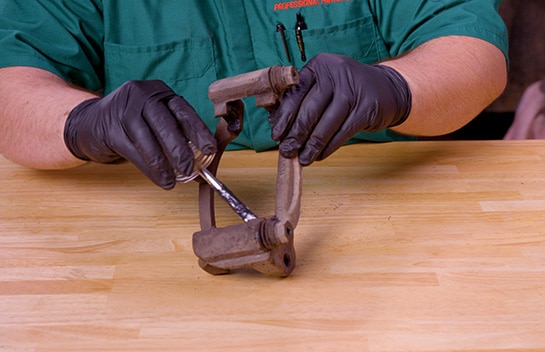
Step 13: Clean the Bracket & Slide Pins

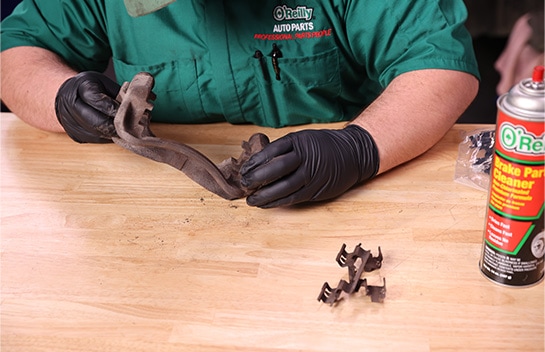
Spray the bracket down with brake cleaner, but don’t use a wire brush to clean it. This can lead to further corrosion. Wipe down the slide pins and apply some fresh silicone grease. Reinstall the pins and make sure they glide smoothly.
Step 14: Install New Hardware

Step 14: Install New Hardware

Apply silicone grease to the notches on the bracket where your new brake hardware will sit, as well as the back of your new brake pads, and install the new brake hardware in the bracket.
Step 15: Reinstall the Caliper Bracket
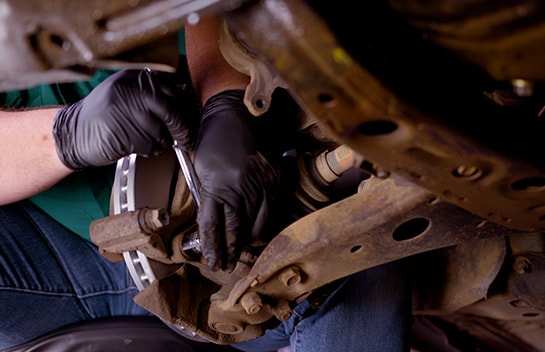
Step 15: Reinstall the Caliper Bracket

Now that the slide pins and new hardware are installed, lift the caliper bracket into place and thread the bolts by hand, starting with the top one.
Step 16: Tighten & Torque the Bracket Bolts
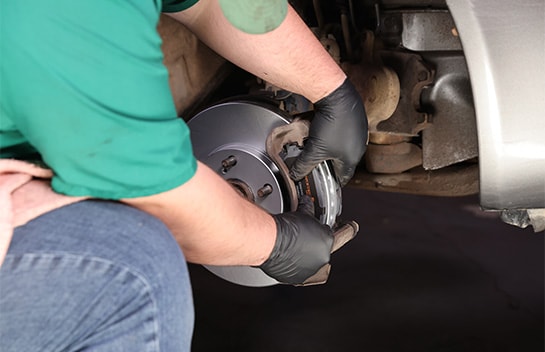
Step 16: Tighten & Torque the Bracket Bolts

Use your ratchet and 17mm socket to tighten the caliper bracket bolts, then use your torque wrench to tighten them to 79 foot-pounds.
Step 17: Reinstall the Caliper

Step 17: Reinstall the Caliper

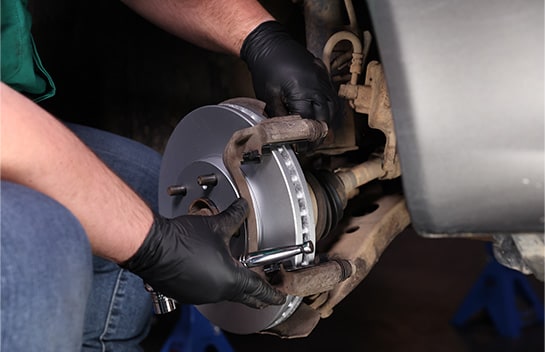
Install the pads in the bracket, then move the caliper into place over the pads, making sure the brake hose isn’t twisted. Thread the two mounting bolts by hand, starting with the top one.
Step 18: Secure the Caliper

Step 18: Secure the Caliper
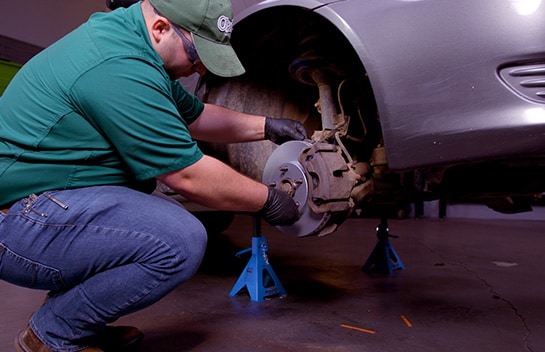
Use your ratchet and 14mm socket to tighten the caliper bolts. Once they’re snug, torque these bolts to 25 foot-pounds.
Step 19: Remove the Lug Nut & Caliper Hanger
Step 19: Remove the Lug Nut & Caliper Hanger

If you used a lug nut to keep the rotor in place, you can remove it now. Don’t forget to remove the caliper hanger as well.
Step 20: Reinstall the Wheel

Step 20: Reinstall the Wheel

Reinstall the wheel and tighten the lug nuts until the wheel is secure against the rotor.

Do It Right: It’s always a good idea to change brake pads and rotors in pairs, so repeat these steps on the other side.

Step 21: Lower the Front End & Secure the Wheels
Step 21: Lower the Front End & Secure the Wheels

Once the pads and rotors are changed and the wheels are secured on both sides, lower the front end and remove the wheel chocks. Use your 21mm socket and torque wrench to tighten the nuts in a star pattern to 76 foot-pounds.

Before You Drive

Step 22: Step On Your Brake Pedal

Step 22: Step On Your Brake Pedal

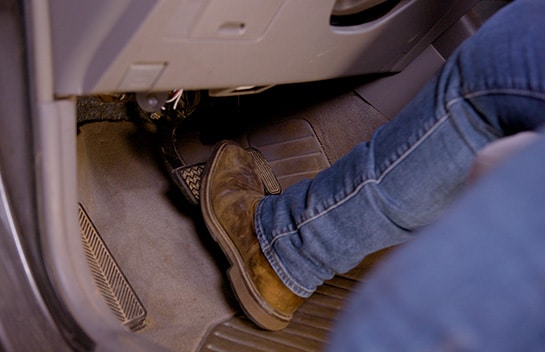
Once the job is complete, BEFORE you drive anywhere, be sure to pump your brake pedal several times until you feel the pressure return.
Step 23: Check Your Brake Fluid

Step 23: Check Your Brake Fluid

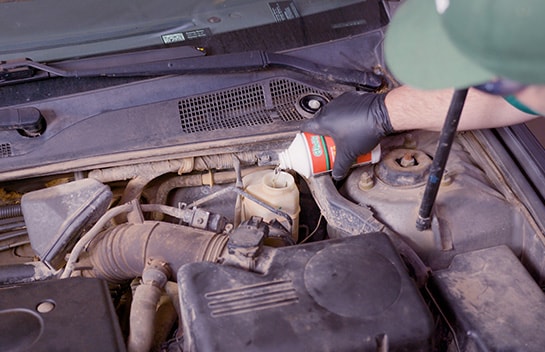
Some brake fluid was pushed out when you compressed your caliper pistons, so check your master cylinder and add fluid as needed.
Step 24: Bleed Your Brakes If Needed

Step 24: Bleed Your Brakes If Needed
If your brake pedal feels spongy, it’s likely that you have air in one or both of your front brake lines. Here’s a link to a video on how to bleed those lines to remove the air if needed.
Step 25: Break In Your New Pads & Rotors

Step 25: Break In Your New Pads & Rotors

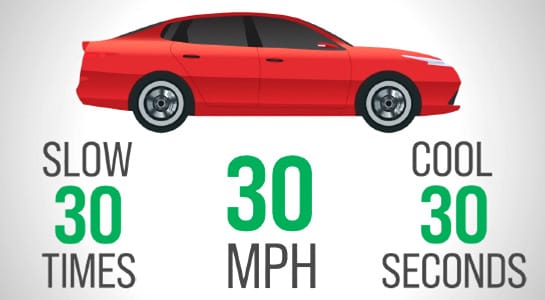
To help break in the new components, it’s a good idea to test drive your vehicle, slowing it thirty times from thirty miles per hour with moderate brake pressure, allowing the brakes to cool for about thirty seconds in between each slowdown.

Try to avoid aggressive stops during this break-in process. Your brakes will probably smell after you’ve done this, and that’s okay. If the odor persists past five hundred miles or so, or if you have excessive dust on a wheel, you may have a stuck caliper.

Additional Resources

The automotive repair work depicted in this series is performed under the direction of the manufacturer of the product featured. Prior to undertaking any of the demonstrated repairs on your vehicle, we suggest you consult with a certified mechanic or another professional who can adequately advise you of the proper repair or remedy required. O’Reilly Automotive Stores, Inc. and its affiliates (“O’Reilly”) disclaims any responsibility for injury or damage resulting from a viewer’s attempt to recreate the repairs shown in this series.